COSMODATA designs, installs and organizes comprehensive Racks & Data Cabinets solutions for businesses that need secure, functional and scalable hosting of their network and server equipment.
A properly organized rack is not only about the aesthetics of the installation.
It directly affects:
- maintenance
- troubleshooting
- cooling
- power supply
- security
- availability
- future expansion
- technical documentation
of the overall IT environment.
For this reason, we treat the rack as a core part of the infrastructure and not as a simple metal cabinet.
Rack Study & Design
Every installation begins with a survey of the equipment and the actual needs.
We assess:
- number of network devices
- servers
- firewalls
- patch panels
- UPS
- storage
- PBX equipment
- fiber terminations
- PDUs
- cable management
- available space
- cooling requirements
- future expansion
so that the appropriate size and the right layout are selected.
Floor Standing Racks
For larger infrastructures, floor-standing racks can be used.
They are suitable for:
- server rooms
- core network infrastructure
- servers
- storage
- UPS
- multiple patch panels
- large switching environments
and offer greater capacity and the potential for future growth.
Wall-Mount Cabinets
For smaller facilities or remote locations, wall-mounted cabinets can be used.
Indicatively:
- small offices
- stores
- branches
- floor distribution points
- CCTV cabinets
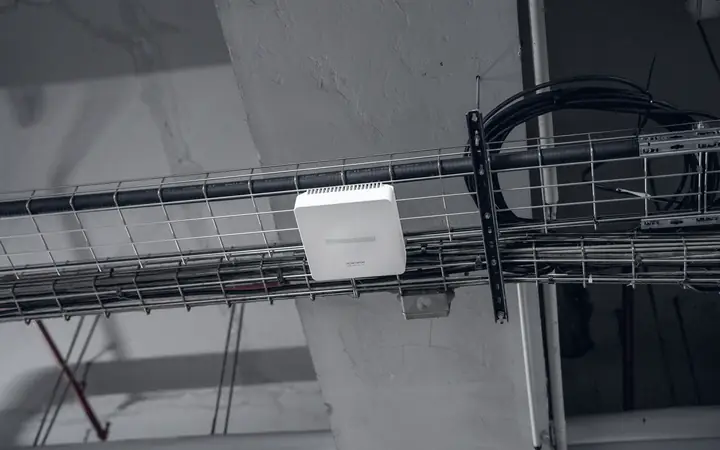
- Wi-Fi distribution points
so that the equipment remains protected and organized.
Rack Sizing
Sizing must take into account not only the equipment that exists today.
Provision must be made for:
- new switches
- additional patch panels
- new servers
- second UPS
- fiber trays
- cable managers
- future devices
so that the rack does not reach its limits right after installation.
Rack Layout
The equipment layout is designed to support proper operation and easy access.
It can include:
- patch panels
- horizontal cable managers
- switches
- firewalls
- servers
- storage
- UPS
- PDUs
- fiber panels
- blanking panels
with proper order and logical placement.
Patch Panels
Patch panels are a key termination point of the structured cabling infrastructure.
They can be used for:
- data
- voice
- access points
- CCTV
- printers
- meeting room equipment
- other network endpoints
with clear labeling and proper mapping to the end points.
Cable Management
Proper cable management significantly reduces maintenance time.
We use, depending on the installation:
- horizontal cable managers
- vertical cable managers
- velcro management
- patch cord routing
- rear cable routing
- cable trays
- fiber organizers
so that cables remain organized and do not obstruct access to the equipment.
Patch Cord Management
Patch cords must be of suitable length and have clear routing.
Proper management helps avoid:
- oversized cables
- tangled patch cords
- blocked airflow
- wrong disconnections
- difficult access to ports
and significantly reduces troubleshooting time.
Labeling
Every critical component must be immediately identifiable.
The following can be flagged:
- rack units
- patch panel ports
- switch ports
- uplinks
- power feeds
- PDUs
- fiber links
- network devices
with a unified naming standard.
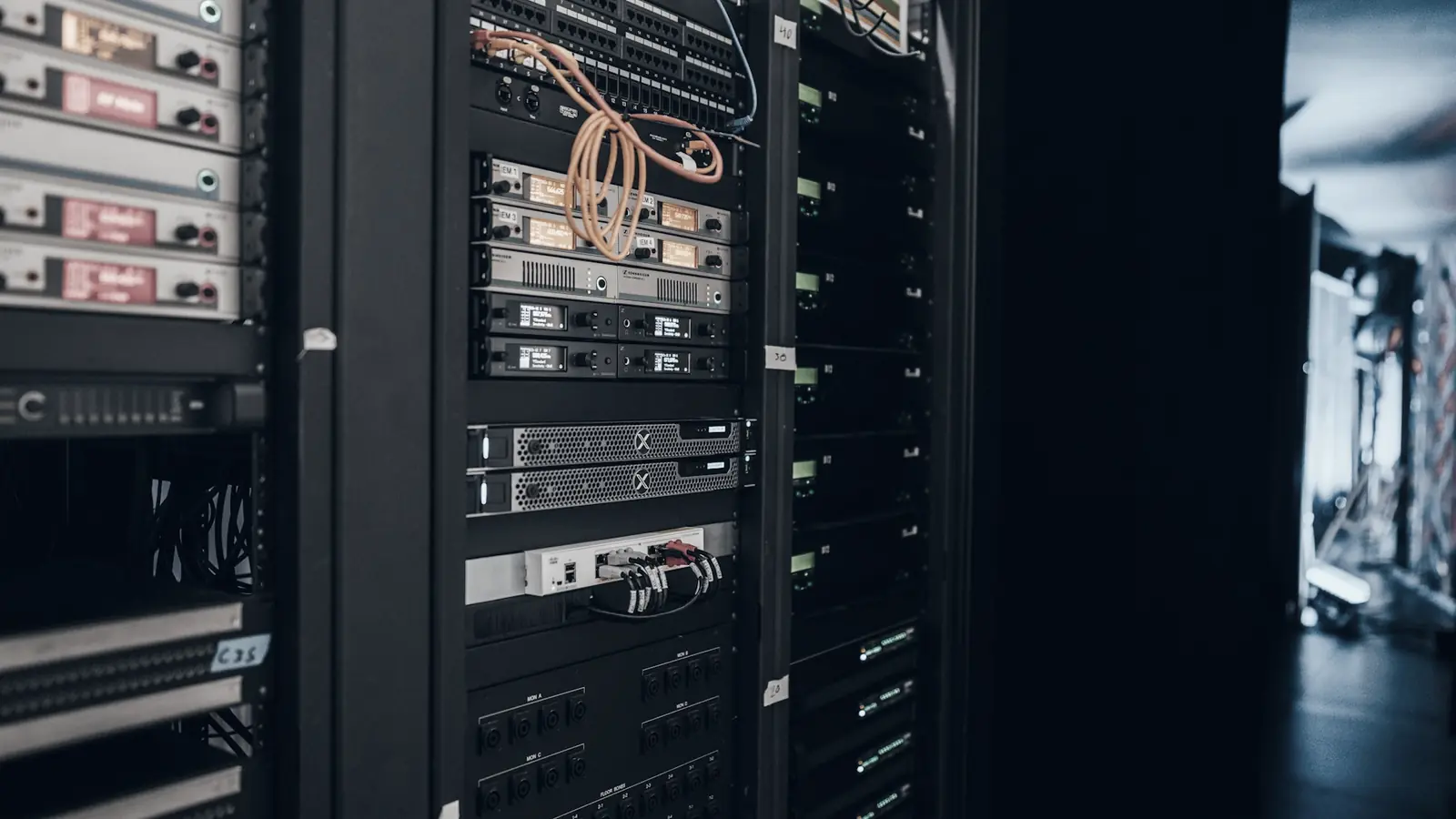
Network Equipment
The rack can host:
- switches
- routers
- firewalls
- controllers
- network appliances
- patch panels
- fiber termination equipment
with proper organization so that the network infrastructure is easy to manage.
Server Equipment
In larger racks, the following can be housed:
- rack servers
- storage systems
- NAS
- SAN
- virtualization hosts
- backup appliances
with provision for weight, airflow and power requirements.
UPS Integration
The UPS is a core part of an organized rack.
We can design:
- rack-mounted UPS
- battery packs
- power distribution
- monitored power
- redundant power paths
so that critical equipment is protected from outages and power problems.
PDUs
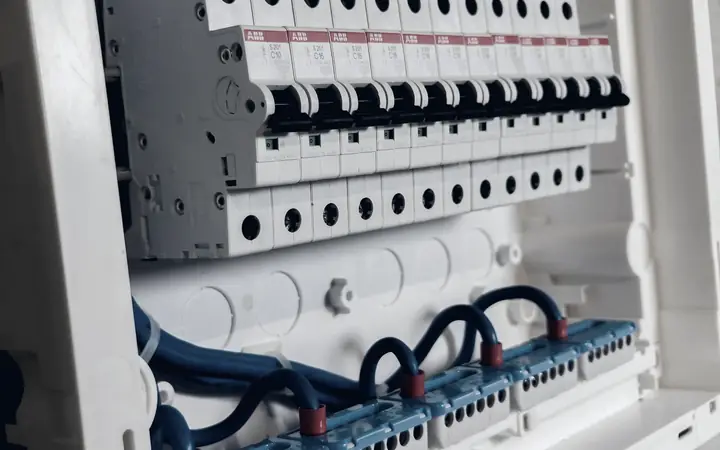
Power Distribution Units enable organized power distribution within the rack.
The following can be used:
- standard PDUs
- metered PDUs
- monitored PDUs
- vertical PDUs
- redundant feeds
depending on the requirements of the installation.
Power Planning
Rack power supply must be designed based on the actual load.
The following are assessed:
- total consumption
- peak load
- UPS capacity
- redundancy
- available circuits
- future expansion
so that the infrastructure does not operate at the limits of its electrical capacity.
Redundant Power
In critical environments, two independent power paths can be designed.
For devices with dual power supplies, the following can be used:
PSU A → Power Path A
PSU B → Power Path B
so that a failure in one power path does not cause immediate downtime.
Airflow & Cooling
The right temperature is critical for the lifespan and reliability of the equipment.
The rack layout can take into account:
- front-to-back airflow
- ventilation
- equipment spacing
- blanking panels
- hot air removal
- cooling capacity
so that hotspots and overheating are limited.
Temperature Monitoring
In critical installations, sensors can be used for:
- temperature
- humidity
- door status
- power state
so that problems in the rack environment are detected in time.
Physical Security
The rack must also protect the equipment from unauthorized physical access.
The following can be used:
- lockable doors
- side panels
- secured rooms
- restricted access
- access control
- monitoring
so that access to critical equipment is restricted.
Rack Security
Physical access to a switch, firewall or server can be just as important as the logical security of the network.
For this reason, the rack must be part of the overall security strategy.
Fiber Management
Where optical fibers are used, special attention to organization is required.
The following can be installed:
- fiber panels
- splice trays
- fiber organizers
- protected routing
- labeled uplinks
so that excessive bends and accidental disconnections are avoided.
Rack-to-Rack Connectivity
In larger server rooms there may be more than one rack.
The following can be designed:
- copper interconnections
- fiber uplinks
- redundant links
- management links
- core-distribution connections
with clear documentation of their interconnectivity.
Core Rack
The core rack can house the infrastructure's main equipment.
Indicatively:
- core switches
- firewalls
- routers
- WAN equipment
- central patch panels
- controllers
- monitoring equipment
and act as the central point of the network.
Floor Distribution Racks
In multi-story buildings, separate racks per floor can be used.
The architecture can be:
so that correct distances and an organized cabling distribution are maintained.
Branch Cabinets
For branches or smaller facilities, a standardized cabinet can be created that includes:
- firewall
- switch
- patch panel
- UPS
- Internet termination
- Wi-Fi controller where required
with a common structure for all sites.
CCTV Cabinets
For environments with a larger CCTV deployment, dedicated cabinets can be created for:
- PoE switches
- fiber links
- NVR connectivity
- power protection
- camera patching
so that CCTV remains organized and separated from the rest of the infrastructure where required.
PBX & Voice Equipment
The rack can also host telephony equipment such as:
- PBX
- gateways
- SIP equipment
- patching
- voice switches
- UPS
so that corporate telephony is part of the same organized infrastructure.
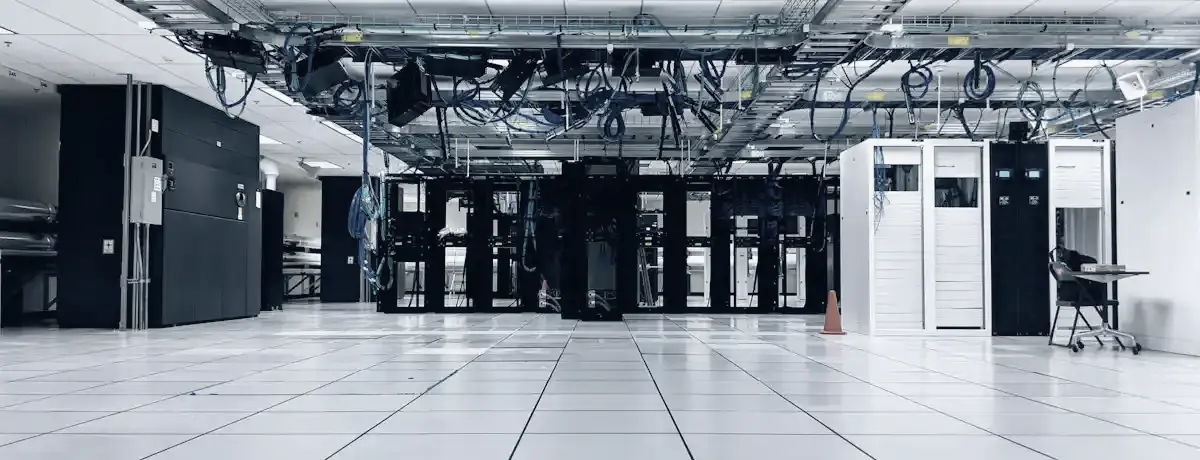
Server Room Organization
COSMODATA can undertake the overall organization of a server room and not only the installation of the rack.
The following can be examined:
- rack placement
- network layout
- power
- UPS
- cooling
- cabling
- physical access
- monitoring
- fire safety requirements
- documentation
with the goal of a functional and secure environment.
Rack Reorganization
Many racks evolve gradually and over time become difficult to manage.
We often encounter:
- tangled cables
- undocumented ports
- abandoned equipment
- unused patch cords
- overloaded PDUs
- blocked ventilation
- unsupported devices
We can carry out an organized rack cleanup and redesign.
Legacy Rack Cleanup
The process can include:
- equipment inventory
- cable tracing
- removal of unused equipment
- relabeling
- patch cord replacement
- cable re-routing
- PDU reorganization
- documentation
so that the rack regains a clean and controlled structure.
Equipment Migration
In a rack replacement or relocation, we can organize the movement of the equipment.
The process can include:
with the goal of the smallest possible business disruption.
Rack Installation in New Facilities
In new buildings or offices, we can design from scratch:
- rack position
- size
- cabling routes
- patch panels
- switching
- UPS
- power
- ventilation
- fiber backbone
so that the installation is properly organized before the space is handed over.
Office Relocation
In a business relocation, we can set up the new rack before users are moved.
The following can be prepared:
- cabling
- patching
- switch configuration
- firewall
- UPS
- Internet termination
- server installation
so that the transition is as smooth as possible.
Multi-Site Standardization
For businesses with multiple sites, common rack standards can be created.
For example:
- same rack layout
- same patch panel positions
- common labeling
- common switch models
- same power design
- standard documentation
so that all branches are easier to manage.
Hotels & Hospitality
In hotel facilities, multiple racks or cabinets may be required for:
- Guest Network
- Corporate Network
- Wi-Fi
- PBX
- CCTV
- IPTV
- POS
- Back Office
- building services
with an organized separation of the different subsystems.
Retail & Branch Environments
In stores or chains, compact cabinets can be created for:
- POS
- Internet
- firewall
- switch
- CCTV
- Wi-Fi
- PBX
- UPS
with a standardized architecture per store.
Warehouses & Industrial Spaces
In warehouses and industrial spaces, the following may be required:
- floor cabinets
- wall cabinets
- fiber distribution
- PoE switches
- ruggedized equipment
- protected cabling
depending on the environmental conditions.
Documentation
Every organized rack must be accompanied by technical documentation.
The following can be recorded:
- rack elevation
- device placement
- patch panel mapping
- switch port mapping
- uplinks
- power connections
- serial numbers
- equipment inventory
- cable numbering
so that every change can be carried out safely.
Rack Elevation
A rack elevation can be created that documents:
- every device
- its position in U
- patch panels
- switches
- servers
- UPS
- PDUs
- free capacity
so that there is a clear picture of the available space.
Port Mapping
The mapping may include:
so that every connection can be quickly identified.
Asset Documentation
For each active device, the following can be recorded:
- manufacturer
- model
- serial number
- IP address
- management address
- warranty
- location
- rack position
as part of overall asset management.
Capacity Planning
The installation must take future growth into account.
The following can be provided for:
- spare U space
- spare patch ports
- PDU capacity
- UPS headroom
- additional uplinks
- fiber capacity
so that expansion is carried out in an organized manner.
Weight & Load Planning
In larger racks, the total weight must also be taken into account.
Especially for:
- UPS
- battery packs
- storage
- large servers
proper placement lower in the rack improves stability and safety.
Environmental Planning
The rack space must also be evaluated as a technical environment.
Factors such as the following are examined:
- temperature
- humidity
- dust
- access
- power supply
- ventilation
- water exposure
- physical security
so that the equipment operates under suitable conditions.
Monitoring
In critical infrastructure, the following can be monitored:
- UPS status
- temperature
- humidity
- power
- network devices
- server availability
- environmental sensors
so that a problem in the rack or server room becomes known before it causes a serious outage.
Preventive Maintenance
The infrastructure must be checked periodically.
The following can be performed:
- visual inspection
- cable checks
- ventilation inspection
- UPS checks
- battery status
- PDU inspection
- device health review
- cleanup
so that small problems do not develop into serious failures.
The rack and structured cabling must be designed as a single, unified solution.
The logic is:
When all stages are organized, the infrastructure becomes significantly easier to manage.
COSMODATA can combine:
so that the project is delivered as a complete network infrastructure.
Proper rack organization also contributes to business continuity.
The following can be integrated:
- UPS
- redundant power
- dual uplinks
- redundant switching
- environmental monitoring
so that potential single points of failure are reduced.
From Rack to Managed IT
After installation, the active equipment can be included in monitoring and Managed IT services.
This creates continuity:
and the infrastructure remains organized over time.
Why Professional Rack Organization
Easier Troubleshooting
Every connection and device can be identified faster.
Fewer Errors
Labeling and proper routing reduce the risk of disconnecting the wrong line.
Better Cooling
Proper layout and management of cables helps airflow.
Better Security
Equipment is protected from unauthorized physical access.
Scalability
Provision is made for new devices and future needs.
Better Documentation
Rack elevations, port mappings and asset information create a clear picture of the installation.
Less Downtime
An organized infrastructure enables faster and safer technical interventions.
An organized rack means a more manageable IT environment
COSMODATA treats Racks & Data Cabinets as a fundamental part of every serious IT installation.
From a small wall cabinet in a branch office to a full server room with multiple racks, servers, fiber backbone, UPS, and redundant infrastructure, we design every installation with an emphasis on organization, security, and the ability to grow in the future.
Because a rack should not simply be the place where "the equipment goes".
It must be a clean, documented and controlled infrastructure point that can be properly supported over time.
Organize. Protect. Connect. Scale.